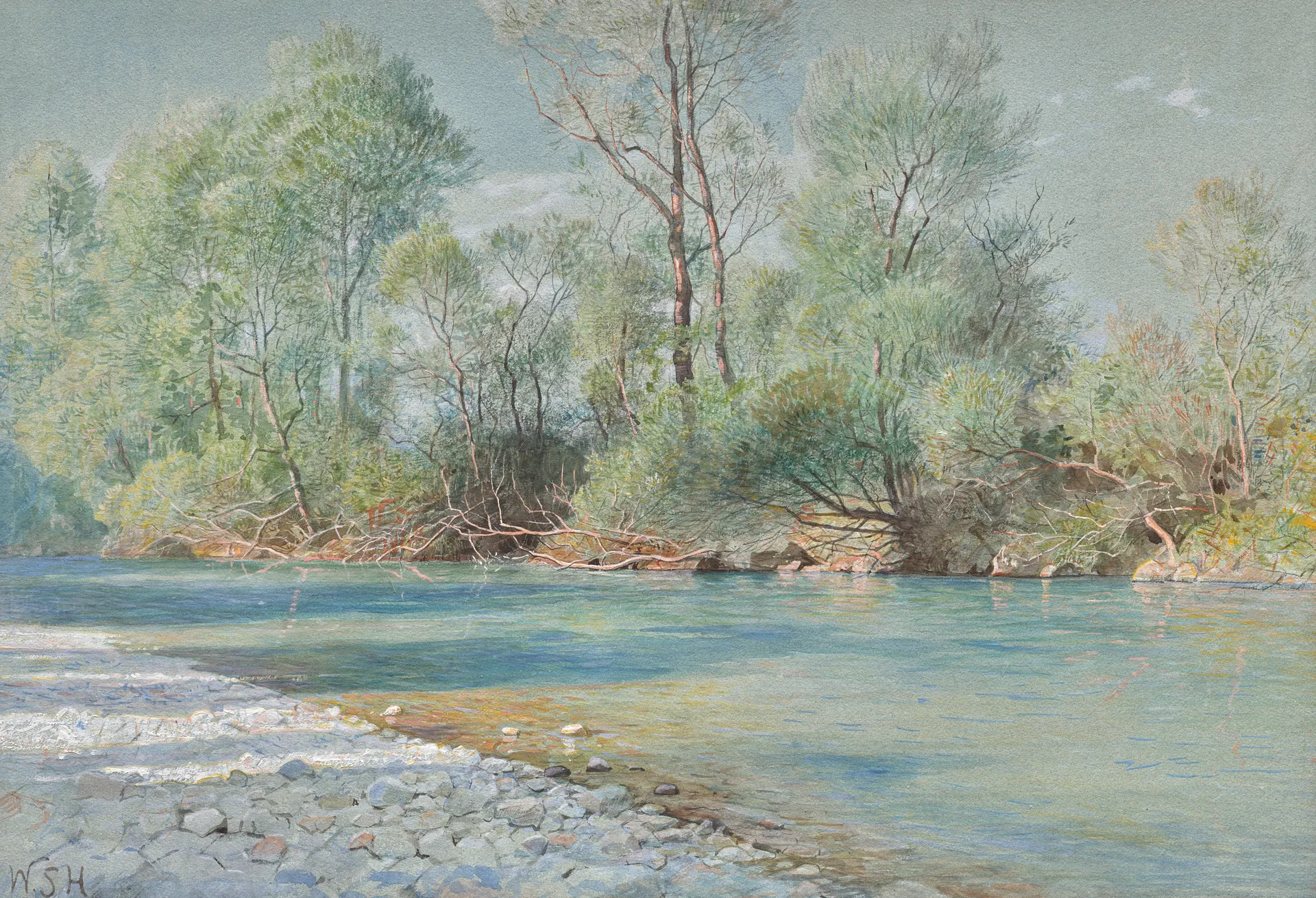

Thoughtful accessibility, built in from the start.
Readable colors, automatically
Whatever palette you choose, Ponder verifies every text and button pairing for clear readability and never uses a combination that misses its contrast target.
Every image described
We write clear alt text for every photo when we assemble your site, and the Ponder editor guides you on length whenever you add a new image later.
Built for keyboards, zoom, and calm motion
Menus and links work smoothly from a keyboard, pages never block pinching or zooming, and animations turn off automatically when a device requests reduced motion.
Your colors, automatically checked for contrast.
Low-contrast text is one of the most common accessibility barriers on the web. When you pick a palette during intake, Ponder checks every text and button color using the newer contrast method drafted for the next version of WCAG, with stricter targets for body copy and small text.
Any pairing that misses its contrast target is automatically skipped. You can also boost the contrast of any section inside the editor, and when text sits over a photo, Ponder samples the image to choose white or black navigation and suggests the lightest overlay shade that keeps words crisp.
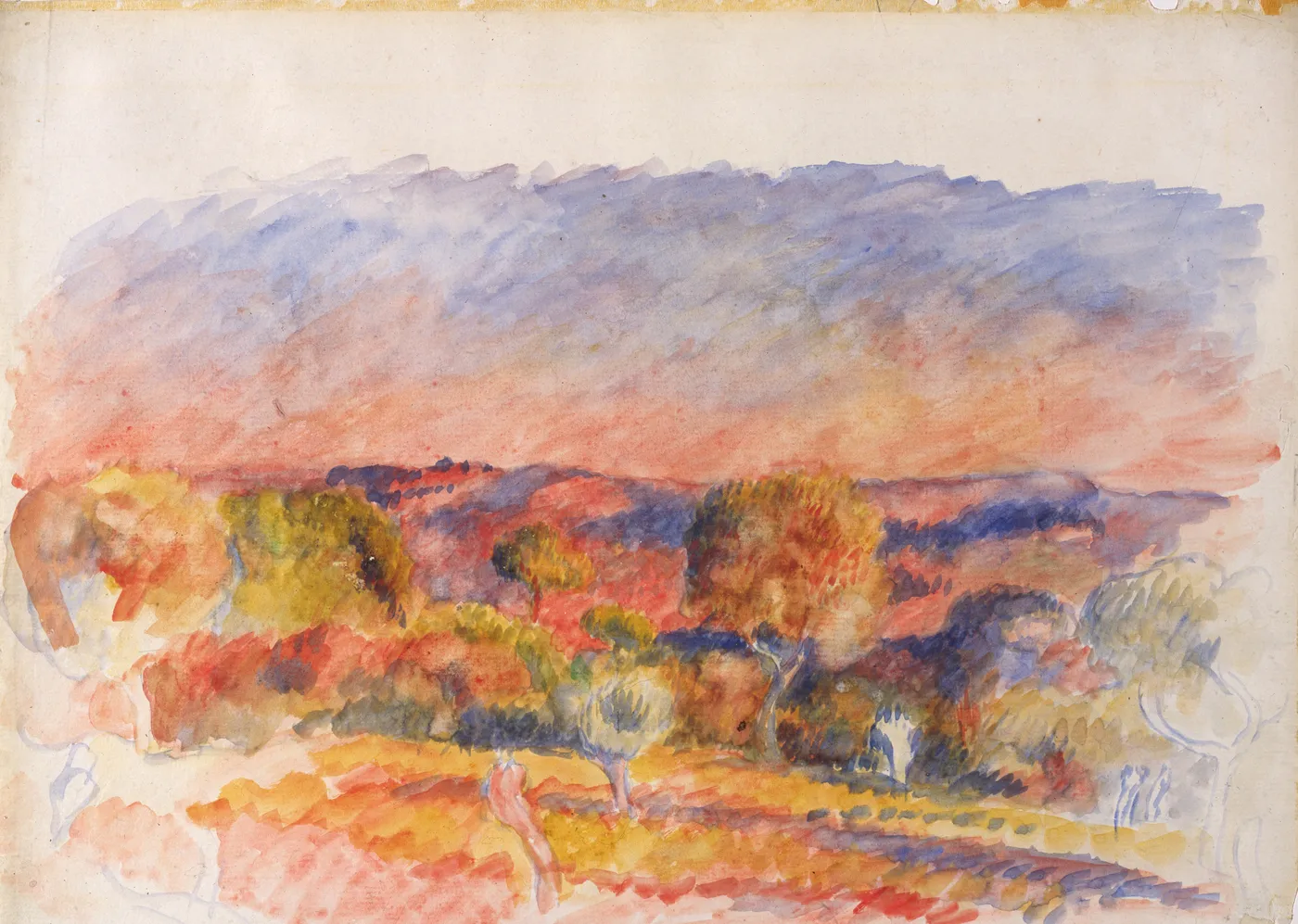
Meaningful descriptions for every image.
Screen readers rely on image descriptions to convey what sighted visitors see. When we build your website, we write alt text for every image across your pages so nothing is left blank.
Whenever you swap or upload a photo later in the Ponder editor, the description field appears right alongside it with friendly length guidance (ideally under 100 characters, and no more than 300).
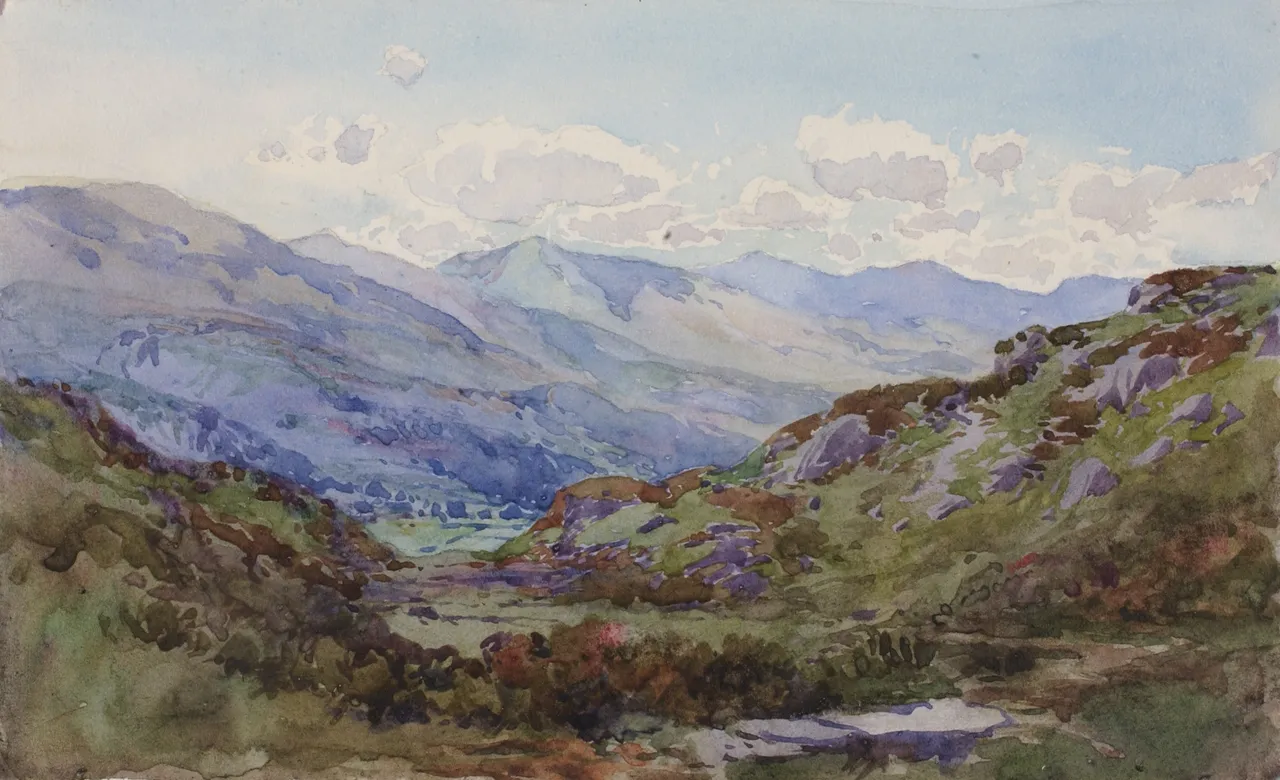
Feel more like yourself again.
I help adults work through anxiety, burnout, and life transitions. Sessions are warm and practical, so you leave with something you can use this week.
Smooth navigation for keyboards and screen readers.
Many visitors navigate websites with Tab and Escape instead of a mouse. Every Ponder site displays a clear focus outline so keyboard users always know where they are, and the mobile menu opens, tabs through links, and closes cleanly with Escape (falling back to a plain link even if browser add-ons block scripts).
Every page also declares its language for screen readers (especially helpful on multilingual sites), respects reduced-motion preferences, and never locks visitors out of zooming in.
Built into every page
- Clear focus outlines for keyboard users
- Full keyboard support in navigation menus
- Page language set for screen readers
- Pinch and browser zoom never blocked
- Reduced motion respected automatically
Frequently asked questions.
Which accessibility standard does Ponder follow?
- We build toward WCAG 2.2 Level AA (the widely recognized international accessibility benchmark), though we don’t claim a formal third-party audit or certification. Every site includes contrast-checked colors, keyboard navigation, image descriptions, screen-reader language tags, reduced-motion support, and unrestricted zoom.
Does this guarantee ADA or disability-law compliance?
- No. While we build every site with strong accessibility practices and check against applicable rules in your state through guided compliance, we can’t guarantee legal compliance with the ADA or other disability laws, and you shouldn’t claim formal legal compliance without an independent audit.
Can I accidentally break accessibility when editing my site?
- Ponder helps protect accessibility as you edit. Your colors stay contrast-checked automatically, the photo shade slider shows whether text over an image stays readable before you publish, and the editor prompts you for alt text whenever you upload a new photo.
What about my online booking page or embedded calendar?
- Whether your booking buttons link out to your EHR or display an embedded calendar on your page, the booking flow runs on your provider’s system, so its accessibility depends on the booking software you use.
Related features.
Personalized colors
Choose from over 4,000 palettes, all checked automatically for readable contrast.
Polished details
Readable navigation over photos, mobile image crops, and thoughtful finishing touches.
Ponder’s accessibility statement
See how we approach accessibility across our own website.
Build a website every client can navigate comfortably.
Contrast-checked colors, image descriptions, keyboard navigation, and reduced-motion support come standard on every Ponder site.
No minimum term. 30-day money-back guarantee.